
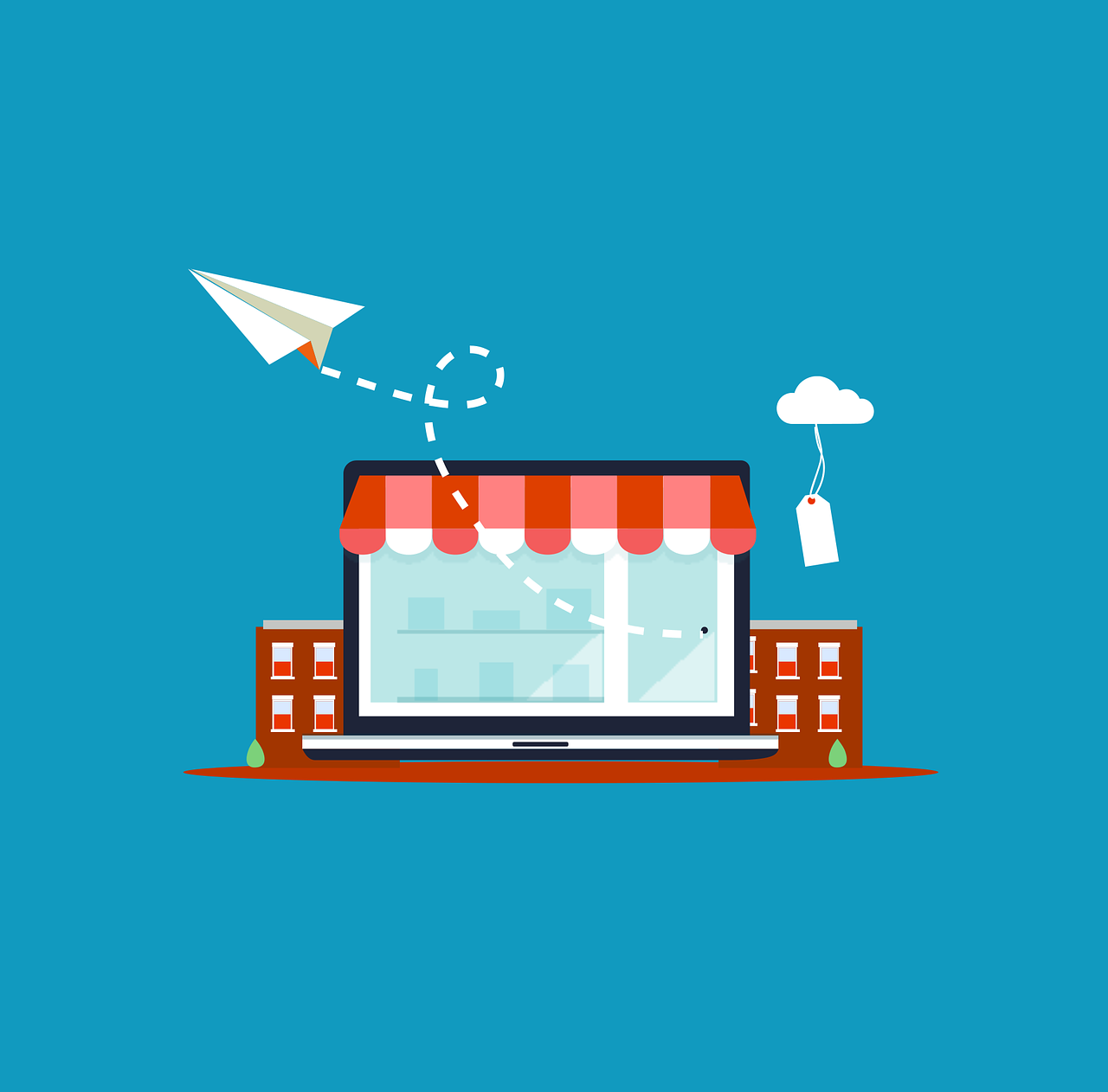
When your website is live, one of the smartest next steps you can take is setting up a free Google Business Profile (GBP) Formerly Google My Business. Think of it as your digital storefront—it appears on Google Search and Google Maps, helping customers find you, learn about you, and connect with you directly.
A well-optimized Google Business Profile can be a game-changer for visibility, credibility, and customer engagement. Whether you run a small boutique in town, a service-based business, or even a remote freelance operation, it’s worth the effort.
Why Google Business Profile is Beneficial
For Local Businesses & Brick-and-Mortar Shops
- Boosts Local Visibility: Helps your business show up in the “Local Pack” on Google Maps and Search.
- Builds Trust: Complete profiles with reviews, photos, and business details appear professional and approachable.
- Encourages Foot Traffic: Customers can see your location, opening hours, and directions instantly.
For Service-Based & Freelance Businesses
- Expands Reach: List a service area instead of a physical address, letting potential clients know you serve their location.
- Establishes Legitimacy: Clients feel confident hiring someone verified on Google.
- Enhances Search Rankings: Even without a storefront, an active GBP can help you appear in relevant searches.
How a Google Business Profile Works
Once set up, your profile shows:
- Business Name
- Location or Service Area
- Hours of Operation
- Website Link
- Phone Number
- Photos
- Customer Reviews
- Posts & Updates
- Special Offers or Events
Step-by-Step Guide: How to Set Up Your Google Business Profile
- Sign in to Your Google Account: Use your business Gmail or create one if needed.
- Go to Google Business Profile Manager: Visit https://www.google.com/business/.
- Enter Your Business Name: Claim your listing if it appears; otherwise, create a new one.
- Choose Your Business Category: Helps Google categorize your business for relevant searches.
- Add Your Location or Service Area: Physical address for brick-and-mortar, or service area for remote/freelance businesses.
- Add Contact Information: Phone number, website URL, and other relevant contact details.
- Verify Your Business: Options include postcard, phone, email, or video verification.
- Complete Your Profile: Upload logo and cover photo, list hours, add business description, and photos of your space or work.
- Post Regular Updates: Share promotions, events, tips, or behind-the-scenes content.
- Ask for Reviews—and Respond to Them: Customer feedback builds credibility and helps visibility.
Extra Tips for a Strong Google Business Profile
- Use high-quality, branded photos.
- Keep business hours updated, especially during holidays.
- Add your most popular products or services.
- Include relevant keywords naturally in your business description.
- Enable messaging so customers can contact you directly from your profile.
Frequently Asked Questions (FAQs)
1. Is a Google Business Profile really free?
Yes! Setting up and managing your profile costs nothing.
2. Can I have a profile without a physical location?
Absolutely. You can display your service areas instead of a street address.
3. How long does it take to verify my business?
Postcards usually take 5–7 days; phone, email, or video verification can be instant.
4. How do I rank higher in local searches?
Keep your profile active, post updates, respond to reviews, and ensure your details are accurate.
5. Can I add multiple locations?
Yes, you can create separate profiles for each business location.
6. How important are reviews?
Very. Positive reviews improve search ranking and build trust.
7. Can I post special offers or events?
Yes. The “Posts” feature lets you share promotions, events, or news.
8. How do I handle bad reviews?
Respond professionally, address concerns, and show that you value feedback.
9. Does this help SEO?
Yes. A complete, active GBP can improve both local and organic search rankings.
10. Do I need a website to use GBP?
No, but linking to a website boosts credibility and gives customers more information.
Conclusion
Google is where most people start their search for a product or service. Without a profile, you risk being invisible to potential customers who are ready to buy or book. By setting up a Google Business Profile, you create an always-on marketing tool—bringing in leads, building relationships, and boosting your professional image.